
Help centre / Guides
Set up your company and brand
Quotem makes content that looks and sounds like you. Give it what you've got and it does the rest.
Before you start
- Your website address
- Brand guidelines, logo or font files if you have them
- A few past posts, if you like: even a handful helps
In short
Set-up has three steps: your company, what contributors agree to, and your look. After that, the Brand page holds your colours, fonts, logo, guidelines, voice, people and photos.
Your company
Add your company's registered name, since contributors see it when they agree to be recorded, and your website. Quotem reads the website for your colours, fonts and logo.
- Drop in brand guidelines, logos, fonts or past posts
- Say who Quotem is making content for: just you, your company and its people, or clients you manage
- Say how much you'd like from each recording; you can change it on any Ask
1. Your company2. Consent3. Your lookNorthgate Accountants LtdContributors see this when they agree to be recorded. Use your registered name.northgate.co.ukQuotem reads it for your colours, fonts and logo.Drop brand guidelines, logos, fonts or past postsWhat contributors agree to
Say where their words will be published and for how long they may be used, in your own words or by tapping a suggestion. Everyone agrees to this by name before they record.
You can change both later in Settings. People who already agreed keep what they agreed to.
What contributors agree toLinkedIn and our websiteLinkedIn, our website and email newslettersAll our social channels, our website and emails2 years12 months2 years3 yearsPick your look
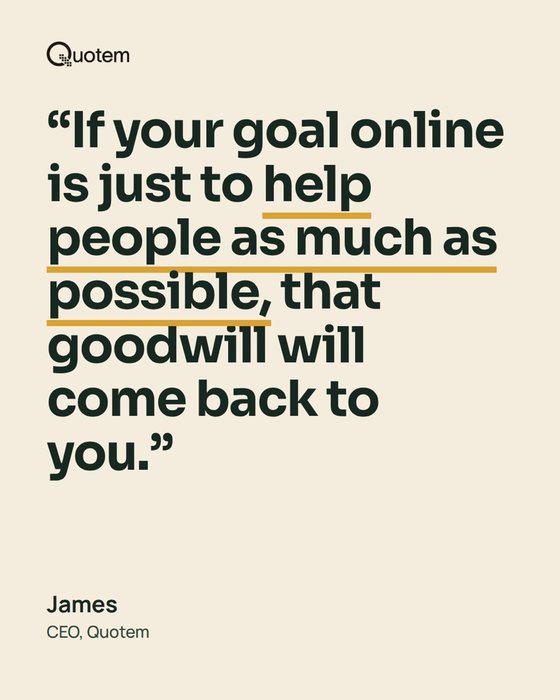
Each look is drawn in your colours, fonts and logo. Tap the one that feels most like you, or Keep the plain starter for now.
Pick your lookEach one is drawn in your colours, fonts and logo.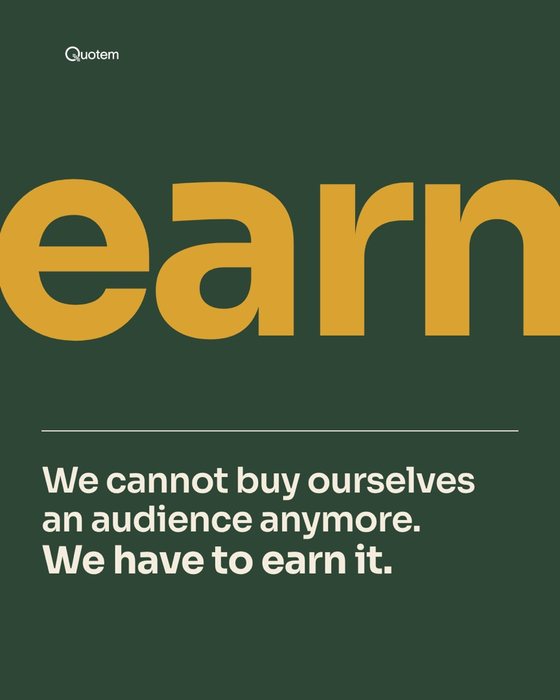
Fine-tune the Brand kit
Open Brand in the menu. The Brand kit holds your colours, fonts, logo, brand guidelines, voice and graphic style, and you can change any of it.
- Uploaded font files? Choose which is for headlines and which for body text
- Upload brand guidelines and their colours and fonts take over
- Change your look whenever you like
Brand kitPeoplePhotosColoursHeadlinesSora BoldBody textManropeBrand guidelinesbrand-book.pdfVoicePlain, warm, no jargonAdd people and photos
On Photos, choose Upload photos for headshots and pictures (JPEG, PNG, WebP or GIF). Open a photo and set who is in it, and it's offered first on that person's cards.
What happens next
- Home shows what's left to finish setting up, such as inviting your team and choosing what Quotem makes
- Your first Ask or recording comes back in your brand and voice
- Every person you ask gets their own voice profile, kept apart from your company's
Related answers
Still stuck?
Email hello@quotem.ai and a real person will answer.